The Importance of AI in Modern SEO and Google Algorithm Changes
Google's algorithm now thinks more like a human — and search is splitting across AI engines. Here's how AI keeps you ahead.
Read More →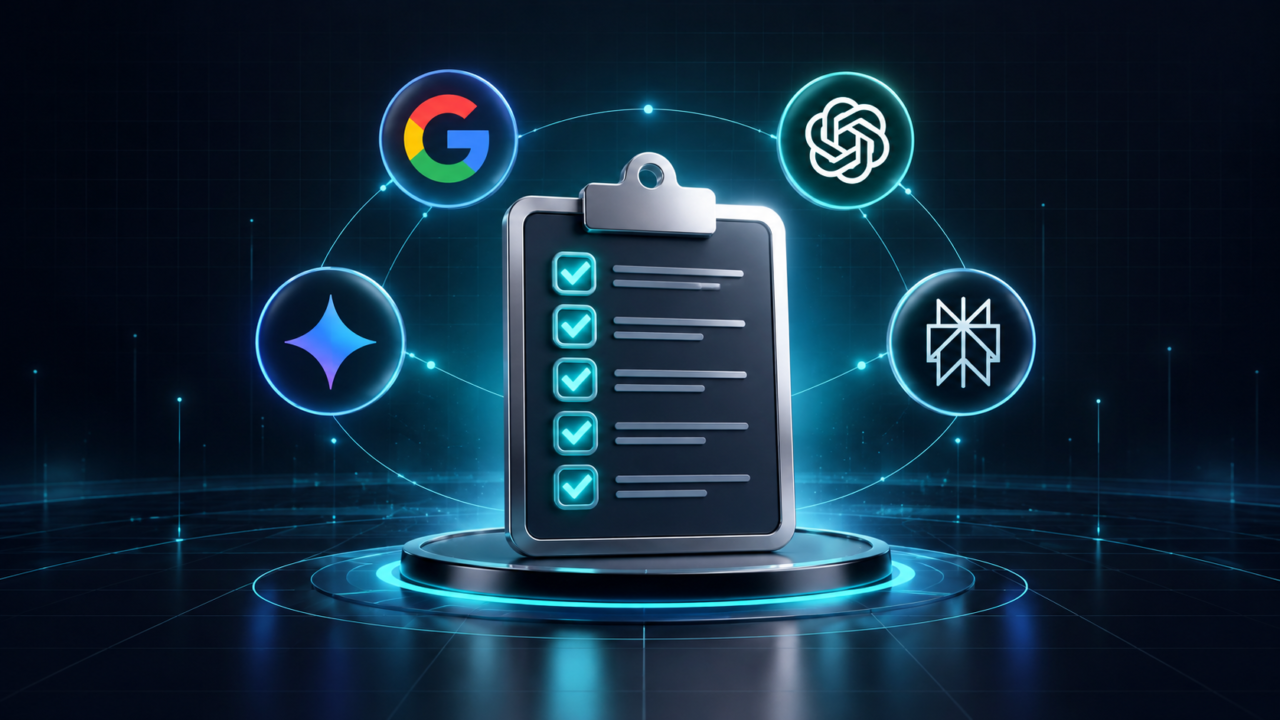
Search behavior has shifted measurably. Google now displays AI Overviews on a majority of search results pages, and the share continues to grow every quarter. For local businesses, that means a potential customer might never scroll past the AI-generated answer at the top of the page.
Understanding how to optimize for AI search is no longer optional for businesses that depend on local visibility. Platforms like ChatGPT, Gemini, and Perplexity now pull answers from websites that are structured, verifiable, and easy for machines to read. If your site does not meet those criteria, a competitor’s site will be cited instead.
This guide provides a technical checklist built specifically for local businesses. Every step is concrete, every recommendation is based on current data, and every example can be tested on your own site today. No vague promises, just a clear path from invisible to citable.
AI search optimization is the practice of structuring your website so AI-powered search engines like ChatGPT, Google AI Overviews, Perplexity, and Gemini can access, understand, and cite your content directly in their generated answers. It goes beyond traditional SEO by focusing on machine readability and citation-worthiness.
Traditional SEO focuses on ranking on a search results page. AI search optimization focuses on getting your business mentioned and cited inside a generated answer. The distinction matters because a generated answer often replaces the click entirely.
When someone asks ChatGPT or Perplexity a question like best accounting firm near me, the AI engine scans indexed content for a trustworthy, structured response. It does not rank ten blue links. It picks one or two sources and paraphrases them. Your goal is to be one of those sources.
For local businesses, this means your website needs to answer common customer questions clearly, use structured data that machines can parse without ambiguity, and allow AI crawlers access to your pages. Each of these elements is covered in the sections below.
An answer-first block is a 40- to 60-word paragraph placed directly below your page heading and each H2 that answers the question posed by that heading. AI engines extract these blocks because they are concise, self-contained, and formatted for citation.
AI search engines reward content that provides a clear answer in the opening lines. This matches how people actually phrase queries to AI tools. They ask questions and expect direct responses, not introductions or preambles.
Write a standalone answer paragraph of 40 to 60 words under every H2 on your page. Start the paragraph with the core fact or recommendation. Avoid filler phrases like “in today’s world” or “it is important to note.” AI engines skip those and look for the substance.
Here is an example for a plumbing business:
Emergency plumbing in Miami typically costs between $150 and $350 for a standard call, depending on the time of day and type of repair. After-hours calls may carry a surcharge of $75 to $150. Always ask for a written estimate before work begins.
That block is 47 words, answers the question directly, and includes a specific price range. An AI engine can extract and cite it with zero ambiguity.
Schema markup tells AI search engines exactly what your business is, where it operates, and what services it offers. For local businesses, LocalBusiness schema, FAQ schema, and Review schema are the three types that directly improve visibility in both Google AI Overviews and third-party AI answer engines.
Structured data is the bridge between what your website says in human language and what a machine can parse. Without it, AI engines must guess your business hours, service area, and review rating from unstructured HTML.
Add LocalBusiness schema to your homepage and contact page. Include your business name, address, phone number, operating hours, and geographic coordinates. Use JSON-LD format, which Google recommends and AI engines prefer.
Add FAQ schema to any page that answers common questions. Even though Google retired FAQ rich results in 2026, AI engines like ChatGPT and Perplexity still read FAQ-structured content when generating answers. The schema helps machines identify question-answer pairs without parsing the surrounding text.
AI crawlers like GPTBot, ClaudeBot, and PerplexityBot use your robots.txt file to determine whether they can access your content. If your robots.txt blocks these crawlers, your pages will not appear in AI-generated answers regardless of content quality.
GPTBot is one of the most-blocked AI crawlers across the web, often due to default CMS or CDN configurations. Many businesses inherit robots.txt rules or firewall settings that block AI crawlers without anyone on the team realizing it.
Check your robots.txt file at yourdomain.com/robots.txt. Look for User-agent entries that reference GPTBot, ClaudeBot, anthropic-ai, PerplexityBot, or Google-Extended. If any of these are followed by Disallow directives, your content is invisible to those engines.
To allow all major AI crawlers, add explicit Allow directives. A visibility-oriented robots.txt might look like this: allow GPTBot, ClaudeBot, PerplexityBot, and OAI-SearchBot on all public content, while keeping admin paths and checkout flows blocked for all crawlers. Test the file by fetching it directly in your browser and confirming each rule matches your intent.
An llms.txt file is a Markdown document placed in your site’s root directory that gives AI engines a curated, structured summary of your most important pages. It works alongside robots.txt and your sitemap to steer AI models toward your highest-value content.
Think of llms.txt as a reading list for AI. While robots.txt tells crawlers what they can access, llms.txt tells them what is most important. This is especially useful for local businesses with small sites where every page matters.
Create a file called llms.txt and place it at yourdomain.com/llms.txt. Write it in Markdown format. List your homepage, service pages, about page, and any high-value blog posts. Include a one-line description next to each URL explaining what the page covers.
For larger sites, consider adding an llms-full.txt file that includes the full Markdown content of your key pages in a single document. This allows AI models to ingest your entire knowledge base in one pass without crawling each URL separately.
Topical authority means covering a subject comprehensively across multiple interlinked pages so AI engines recognize your site as an expert source. For local businesses, this means publishing content that answers every common question in your niche, not just your core service page.
AI search engines evaluate whether a site covers a topic in depth, not just whether a single page mentions the right keyword. A single blog post about HVAC repair will not compete with a site that has dedicated pages for AC installation, furnace maintenance, duct cleaning, and seasonal checklists.
Map out every question a potential customer might ask before contacting your business. Group those questions into clusters. Write one pillar page that covers the broad topic and several supporting articles that address specific subtopics. Interlink them clearly.
Each supporting article should target a long-tail keyword, include an answer-first block, and link back to the pillar page. This structure signals to AI engines that your site is a comprehensive resource, which increases the likelihood of being cited across multiple related queries.
Tracking AI visibility means monitoring whether your business is mentioned or cited when real users ask AI engines questions about your industry, services, or location. Without tracking, you cannot measure whether your seo for AI search efforts is producing results.
Traditional rank tracking shows your position on a search results page. AI visibility tracking shows whether your brand appears in the generated answer. These are two different metrics, and both matter in 2026.
Run a set of 20 to 50 prompts across ChatGPT, Gemini, and Perplexity every month. Use questions your customers actually ask, like “best [service] in [city]” or “how much does [service] cost near me.” Record whether your business is named, linked, or absent.
Compare results month over month against a fixed baseline. If you are implementing the steps in this checklist correctly, you should see gradual increases in the number of prompts where your brand appears. If visibility stalls, check your robots.txt, update your schema, and refresh your answer-first blocks with current data.
This section summarizes the six steps above into a scannable reference. Use it as a monthly checklist to ensure your local business site stays optimized for AI search engines across Google, ChatGPT, Gemini, and Perplexity.
Each of these steps is measurable. You can verify schema with Google’s Rich Results Test, check robots.txt by fetching it in a browser, and validate llms.txt with a free tool at llmstxt.io. No step requires custom development for most local business websites.
Knowing how to optimize for AI search is a measurable, repeatable process. It requires structured data, answer-first content, open access for AI crawlers, and consistent tracking. Every step in this checklist can be implemented by a local business without enterprise-level resources.
The businesses that act now will build citation momentum in AI engines before the competition catches up. AI search traffic has shown strong conversion rates compared to traditional organic traffic, and that gap will only widen as more consumers shift their queries to AI-powered platforms.
If you want a team to handle the technical execution, from schema deployment to monthly AI visibility tracking, Online Ranking AI offers a structured program covering SEO, AEO, and GEO under one roof. Run a free AI audit to see where your site stands today.
SEO targets rankings on search engine results pages. AI search optimization targets citations and mentions inside AI-generated answers from platforms like ChatGPT, Gemini, and Perplexity. Both share technical foundations like structured data and quality content, but AI optimization prioritizes machine-readable formatting.
Most local businesses begin seeing AI visibility improvements within 60 to 90 days of implementing structured data, answer-first content, and proper crawler access. Results depend on the competitiveness of your niche and the quality of existing content.
Schema markup helps AI engines understand your business details without ambiguity. LocalBusiness, FAQ, and Review schema give AI systems machine-readable facts to cite. While schema alone does not guarantee visibility, it removes a major technical barrier.
Allow GPTBot if you want your content cited in ChatGPT search results. Blocking GPTBot removes your site from OpenAI’s training and retrieval systems. Check your robots.txt and CDN settings, as some platforms block AI crawlers by default.
Yes. AI engines prioritize content accuracy and structure over domain size. A small business with clean schema, answer-first content, and proper crawler access can be cited ahead of larger competitors that lack these technical foundations.
Let AI audit your site the same way Google does — and see exactly how to reach the top 3.
Audit My Site for Free
Google's algorithm now thinks more like a human — and search is splitting across AI engines. Here's how AI keeps you ahead.
Read More →
Same goal, very different engine. A side-by-side look at why AI-driven SEO wins on speed, consistency and results.
Read More →
Google Maps is getting smarter. Here's how AI is reshaping local ranking factors — and what your business should do now.
Read More →Let AI audit your site the same way Google does.